
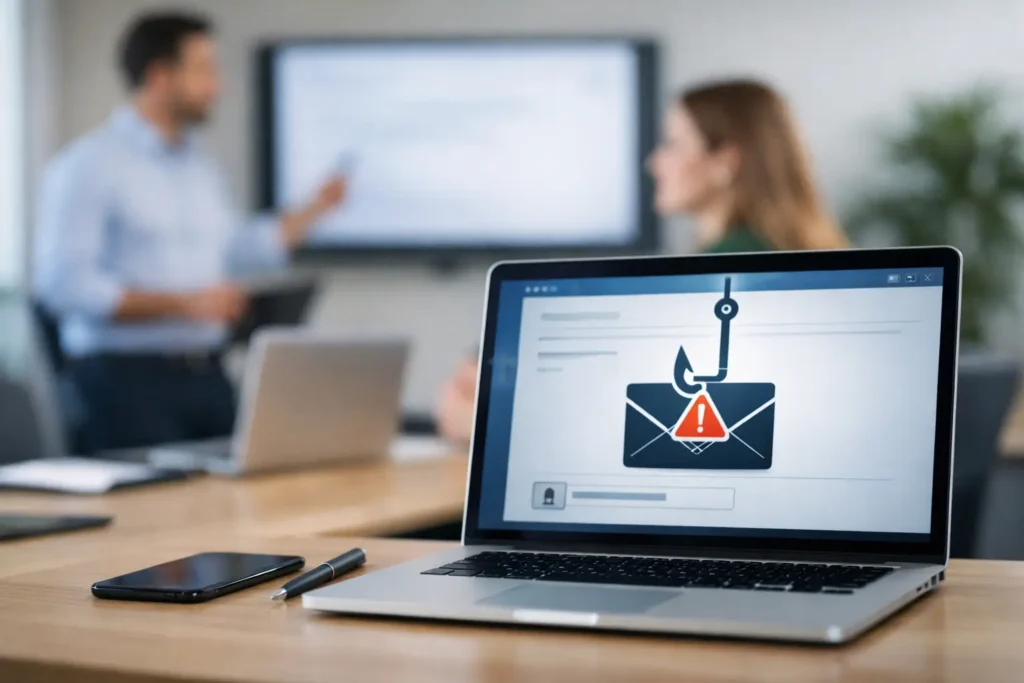
A fake invoice arrives just before a busy afternoon. It appears to come from a familiar supplier, uses the right logo, and asks the recipient to review a payment issue. One click can expose a Microsoft 365 password, give an attacker a foothold in the network, and turn an ordinary workday into a ransomware response. That is why phishing training for employees is not an optional compliance exercise. It is a practical part of keeping your business running.
For small businesses, the stakes are especially high. A large enterprise may have dedicated security teams and redundant systems. A law office, retail operation, warehouse, or growing professional-services company may have a lean team where every employee has access to files, customer information, payment systems, or operational tools. When one account is compromised, the disruption can reach everyone quickly.
Why phishing remains a business problem
Phishing is the use of deceptive messages to make someone reveal information, send money, open a harmful attachment, or approve an unauthorized request. Email is the most common route, but attackers also use text messages, collaboration tools, social media, and phone calls.
The old version of phishing was easy to spot: poor grammar, strange formatting, and an unfamiliar sender. Modern attacks are more convincing. Criminals copy real vendor communications, impersonate executives, hijack legitimate email accounts, and use public information from company websites and social platforms to make requests sound credible.
A message might ask an employee to reset a password, review a shared document, pay a revised invoice, or purchase gift cards for an executive. It may arrive from a real contact whose account has already been taken over. The goal is usually speed. Attackers want the recipient to act before asking a question.
Technical controls matter. Email filtering, endpoint protection, multi-factor authentication, backups, and 24/7 monitoring all reduce risk. But technology cannot always determine whether a message is a legitimate request from a client or a carefully constructed impersonation. Employees are part of the security process, which means they need clear guidance and regular practice.
What effective phishing training for employees looks like
Training works best when it changes behavior rather than simply checking a box. A once-a-year slideshow can introduce basic terms, but people forget information they do not use. Short, recurring sessions keep the warning signs familiar and make reporting suspicious messages a normal part of the workday.
The strongest programs use examples that reflect the employee’s actual role. Accounts payable staff should practice identifying payment-change fraud and invoice scams. Front-desk personnel should recognize fake delivery notices and password-reset requests. Managers need to understand business email compromise, especially messages that appear to come from an owner, executive, or vendor requesting urgent action.
Training should also explain what to do, not just what to avoid. Employees need a simple process: pause, inspect the message, verify the request using a known phone number or separate communication channel, and report anything suspicious. A clear reporting path matters. If staff do not know whether to forward an email, use a reporting button, call the helpdesk, or notify a manager, they may stay silent or delete the evidence.
That process should be easy enough to follow when someone is busy. Security procedures that add too much friction often get bypassed. The right balance depends on the business, its industry, and the sensitivity of its data. A company handling legal, financial, or health-related information may need more formal verification and documentation than a small office with limited systems. Every organization, however, benefits from making “stop and verify” an accepted business habit.
The red flags employees should recognize
A single warning sign does not always prove a message is malicious. A vendor can send an unexpected invoice, and an executive can make an urgent request. The concern grows when several details do not line up.
Employees should be trained to examine the full sender address, not just the display name. A message from “Billing Department” can come from an unrelated domain, while a lookalike domain may differ from the real one by only one character. They should hover over links before clicking, where possible, and be cautious with login pages that appear after following a link from an unsolicited message.
Urgency is another common signal. Phrases such as “act now,” “final notice,” or “do not contact anyone” are designed to reduce scrutiny. So are requests to bypass normal procedures, change bank details, buy gift cards, share a verification code, or approve a payment outside the usual workflow.
Employees also need permission to challenge a request that appears to come from leadership. Good security culture does not treat verification as disrespect. If the owner asks for a wire transfer by email, an employee should feel confident confirming it by phone or through an established approval process. That one habit can prevent a costly loss.
Simulated phishing tests should teach, not embarrass
Simulated phishing campaigns can show whether training carries over into real decisions. They also reveal where a business needs clearer processes or additional protection. If multiple employees interact with a fake shipping notice, the answer is not public blame. It is a useful signal that the scenario is realistic and deserves focused coaching.
The best simulations are measured over time. A first test establishes a baseline. Follow-up testing can identify improvements in reporting rates, reductions in unsafe clicks, and recurring weak points. Reporting is often as valuable as avoiding the click. An employee who reports a suspicious message quickly may help protect coworkers before the same campaign reaches their inboxes.
There are trade-offs. Tests that are too obvious provide little insight. Tests that are excessively deceptive, frequent, or punitive can damage trust and make employees reluctant to report mistakes. Keep scenarios relevant, explain the purpose of the program, and offer immediate education after a failed test. The objective is a more alert team, not a scorecard built on embarrassment.
Pair training with practical security controls
Employee awareness is one layer of protection, not the entire plan. People can make a reasonable decision and still encounter a sophisticated attack. A security-first approach combines training with controls that limit the damage when something gets through.
Multi-factor authentication is one of the most effective safeguards against stolen passwords, although it should be configured carefully to resist approval-prompt fatigue and phishing of authentication codes. Email security tools can block known malicious senders, suspicious attachments, and spoofed domains before users see them. Endpoint security and managed monitoring can identify unusual activity if an account or device is compromised.
Backups and an incident response process are equally important. If ransomware is launched after a phishing email, the business needs to know who will isolate affected systems, communicate with staff and customers, preserve evidence, restore files, and make operational decisions. A backup that has never been tested is not a recovery plan.
For businesses without an internal IT department, a managed IT partner can coordinate these layers: email protection, endpoint management, employee training, phishing simulations, account security, and documented response procedures. That creates one accountable point of contact instead of leaving an office manager to coordinate several vendors during an incident.
Build a reporting culture people will use
The most valuable employee is not the person who never sees a suspicious message. It is the person who recognizes uncertainty and raises a hand early. Leadership sets that tone. When managers verify unusual requests and thank staff for reporting concerns, employees learn that security is part of serving customers and protecting the business.
Make reporting simple, then reinforce it in team meetings and onboarding. Explain that a report is welcome even if the message turns out to be legitimate. Fast reporting gives IT support a chance to block senders, search for similar messages, reset credentials if needed, and check whether other accounts were affected.
This is particularly useful for Las Vegas businesses that depend on daily transactions, appointments, customer communication, or connected locations. Downtime during a busy shift can affect revenue, service quality, and trust. A prepared team helps contain a suspicious email before it becomes an operational outage.
Review the program as your business changes
Phishing risks change as your company adds staff, adopts new software, works with new vendors, or expands to additional locations. Review training content at least annually and update it after meaningful changes, such as a move to cloud email, new payment workflows, or a security incident. New employees should receive training quickly, before they gain broad access to systems and sensitive information.
Track practical outcomes instead of treating completion rates as the only measure. Are suspicious messages being reported faster? Are employees following payment-verification procedures? Are repeat simulation failures concentrated in one department or tied to one type of message? These answers help direct time and budget where they reduce risk most.
System Integrators of Nevada helps local organizations turn these questions into a manageable security program with direct support when something looks wrong. The goal is not to make every employee a cybersecurity expert. It is to give every person the confidence to pause, verify, and get help before one deceptive message interrupts the work your business depends on.