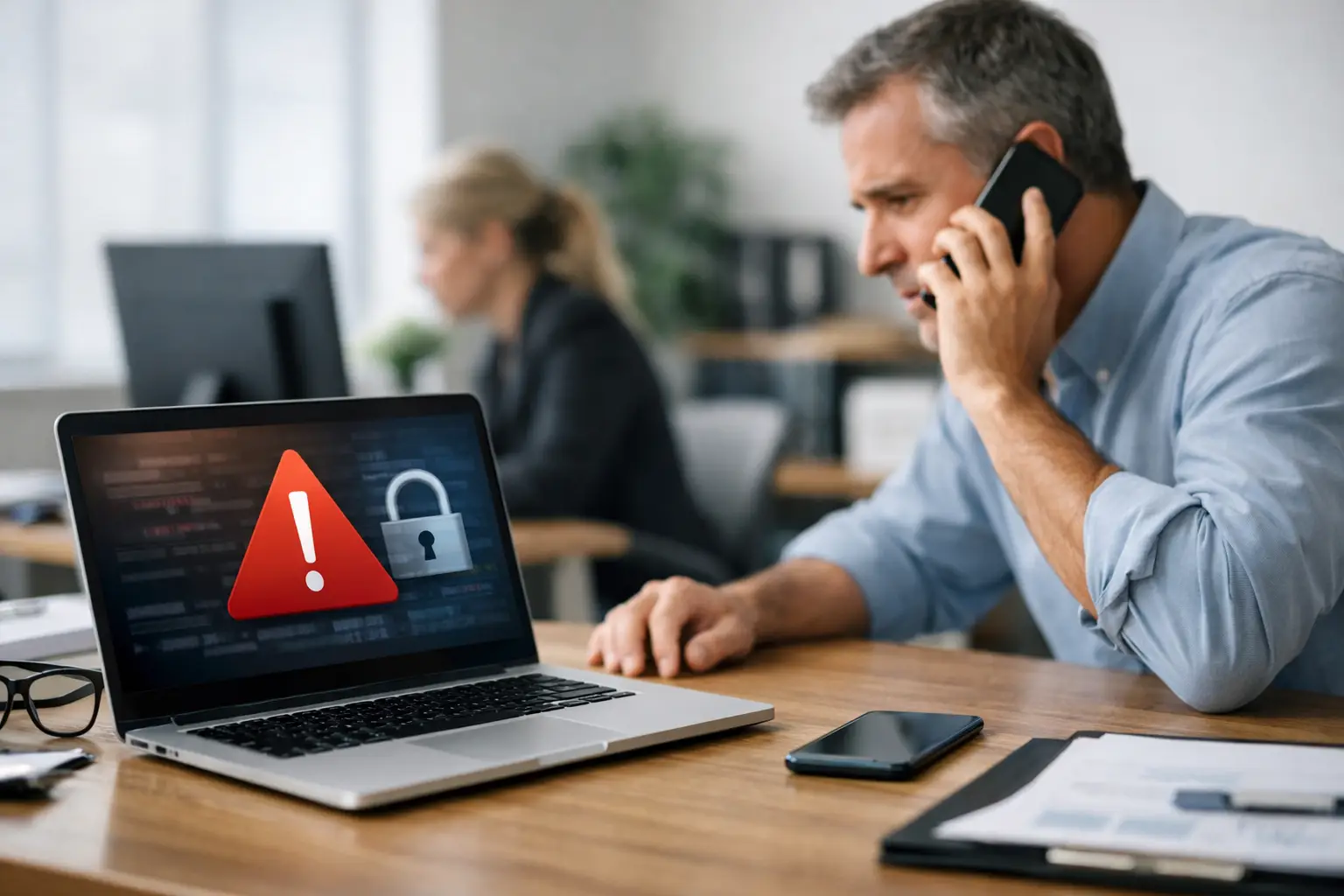
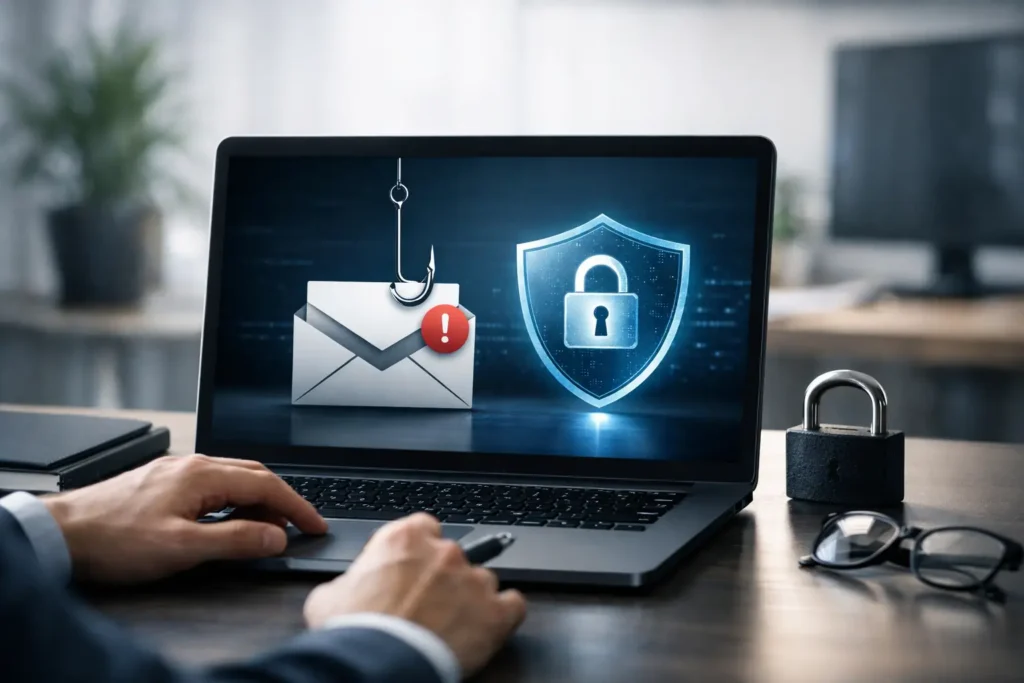
A phishing email rarely announces itself as an attack. It looks like a vendor asking to update banking details, a Microsoft 365 notice that says a password has expired, or a message from the owner asking accounting to send an urgent wire transfer. One rushed click can expose client data, stop access to critical systems, or give criminals a foothold for ransomware.
Knowing how to protect business from phishing starts with treating it as an operational risk, not just an employee mistake. Your people need practical ways to verify unusual requests, and your technology needs controls that limit the damage when a convincing message gets through.
Phishing Is a Business Continuity Problem
Phishing is social engineering. The attacker uses a believable message to persuade someone to reveal a password, open a harmful attachment, approve a payment, or provide sensitive information. Email remains the most common delivery method, but phishing also arrives through text messages, phone calls, social media messages, and fake login pages.
For a small business, the consequences can be immediate. A compromised email account can be used to impersonate an employee, search invoices and client conversations, reset passwords for other systems, and send fraudulent messages to customers. If the account belongs to an executive, bookkeeper, or office manager, the financial and reputational exposure can be significant.
The goal is not to make every employee a cybersecurity expert. The goal is to build a few dependable layers that catch suspicious activity before it turns into downtime, fraud, or a reportable data breach.
How to Protect a Business From Phishing
A practical phishing defense combines email protections, clear employee habits, secure identity controls, and a response plan. Any one layer can fail. Together, they make a successful attack much harder.
Start With Email Security That Blocks Known Threats
Your business email system should filter spam, malicious links, impersonation attempts, and dangerous attachments before users see them. Good filtering is not a replacement for employee awareness, but it reduces the volume of risky messages your team must evaluate.
Email domain protections also matter. SPF, DKIM, and DMARC help receiving mail systems determine whether a message claiming to come from your company is legitimate. Properly configured, these controls reduce the chance that criminals can spoof your domain to target customers, vendors, or employees.
Configuration is where many businesses fall short. A security setting that exists but is not monitored, updated, or enforced can create false confidence. Review mail rules, forwarding settings, administrator accounts, and external sharing permissions regularly. Attackers often change these settings after they gain access so they can quietly monitor communications or hide payment fraud messages.
Teach Verification, Not Fear
Annual security training alone is not enough. Employees need short, repeatable rules they can use during a busy workday. The best training focuses on the types of messages they actually receive: invoice requests, package notices, password prompts, document-sharing invitations, and messages that appear to come from company leadership.
Encourage employees to pause when a request is urgent, unexpected, confidential, or financially sensitive. They should verify the request using a known phone number or a new email message, not by replying to the suspicious email or calling a number included in it.
A few warning signs are worth reinforcing:
- A login request uses a slightly altered domain name or unfamiliar web address.
- An executive, vendor, or coworker requests an unusual payment or gift card purchase.
- A shared document notification asks the recipient to sign in again without a clear business reason.
- An attachment or link arrives unexpectedly, even when it appears to come from someone known to the employee.
- A message creates pressure by claiming an account will be closed or a payment must be sent immediately.
Simulated phishing tests can help identify where more coaching is needed. They should be used to improve habits, not embarrass people. Employees who report suspicious emails quickly are part of the security team, even when the email turns out to be harmless.
Require MFA and Protect Every Login
A stolen password should not be enough to access your email, accounting platform, cloud files, remote access tools, or business applications. Multi-factor authentication, or MFA, adds another check before access is granted. An authenticator app or physical security key is generally safer than relying only on text-message codes, though the right approach depends on your systems and staff workflows.
MFA is especially critical for email and administrator accounts. Those accounts can open the door to almost every other business service. Use unique passwords stored in an approved password manager, remove shared credentials, and promptly disable access when an employee leaves or changes roles.
It also helps to apply least-privilege access. A receptionist, warehouse employee, and outside accountant do not all need the same permissions. Limiting access does require planning, and overly restrictive controls can slow work down. The answer is not to give everyone broad access for convenience. It is to review roles regularly and provide only what each person needs to do the job.
Put Payment Changes Behind a Second Check
Business email compromise often targets payments rather than passwords. Criminals may impersonate a vendor and request new ACH or wire instructions, or they may pose as a company owner asking for an urgent transfer. These messages can be polished, timely, and based on information taken from a compromised mailbox.
Create a documented verification process for any change to bank details, payroll information, or payment destination. Require a callback to a trusted number already on file and a second approver for transfers above a set threshold. Do not treat an email thread as confirmation, even if it appears to come from a familiar vendor contact.
This step can feel slower than simply processing a request. It is also far less disruptive than trying to recover money after it reaches a criminal account.
Make Reporting and Response Simple
Employees should know exactly what to do when they click a suspicious link, open an attachment, enter credentials on a questionable page, or receive an unusual request. The right answer is not to stay quiet out of concern that they made a mistake. Fast reporting gives your IT team a chance to contain the incident.
Your response process should include immediate steps: disconnect a potentially infected device if directed, report the message, reset exposed credentials, review sign-in activity, and check whether the same email reached other employees. If a mailbox may be compromised, investigate forwarding rules, sent messages, delegated access, and cloud file activity as well.
For organizations handling client records, financial information, or regulated data, incident documentation matters too. Keep a record of what happened, what systems were affected, what actions were taken, and whether outside parties may need notification. A managed security partner can provide 24/7 monitoring and escalation support when suspicious activity happens after hours or when internal staff are unsure how far an incident has spread.
Keep the Program Current
Phishing changes as quickly as the tools businesses use. Criminals now use AI-assisted writing, realistic branding, compromised vendor accounts, and QR codes that move victims from a protected workstation to a personal phone. A message with perfect grammar is no longer a sign that it is safe.
Review your phishing protections after business changes such as adding staff, adopting new cloud applications, opening a second location, or changing financial workflows. Test backups, confirm that critical accounts use MFA, and make sure emergency contacts are current. Security policies that sit untouched for years are rarely useful during a real incident.
For Las Vegas businesses without an internal IT department, a local managed IT partner can help turn these practices into a routine part of operations rather than another task for an already busy office manager. System Integrators of Nevada can help assess email security, endpoint protection, access controls, and monitoring so gaps are addressed before they become an emergency.
The most useful standard is simple: no employee should have to guess what to do with a suspicious request, and no single click should be able to bring the business to a halt.